Food photos that sell: make customers crave the dish
In a restaurant, the food may be excellent, but if the photo on your digital menu or Instagram looks dark and lifeless, the guest won’t feel the urge to order that dish. The picture is the first conversation you have with a diner before they taste anything.
The problem: photos that don’t sell
You notice that, despite compliments at the table, the plates you share online receive few likes and, worse, few orders through your digital menu. The image looks like it was taken with a phone in low light, colors look muted, and the texture is invisible. When a guest sees that, they wonder, “Is it cold? Does it look good?” and they move on.
Why it happens
- Insufficient lighting – Most owners rely on the restaurant’s ambient light, which is often warm and diffused, hiding the true colors of the food.
- Unflattering angles – Shooting every dish from straight above, or from very low, hides its depth.
- Background and composition – A cluttered surface or a plate without context distracts the eye from the main item.
- Lack of basic editing – Simple tweaks to brightness, contrast, and saturation can turn a flat picture into an appetite-triggering image.
These issues are easy to overlook when you are busy serving guests.
How to fix it: steps you can apply right now
1. Use natural light whenever possible
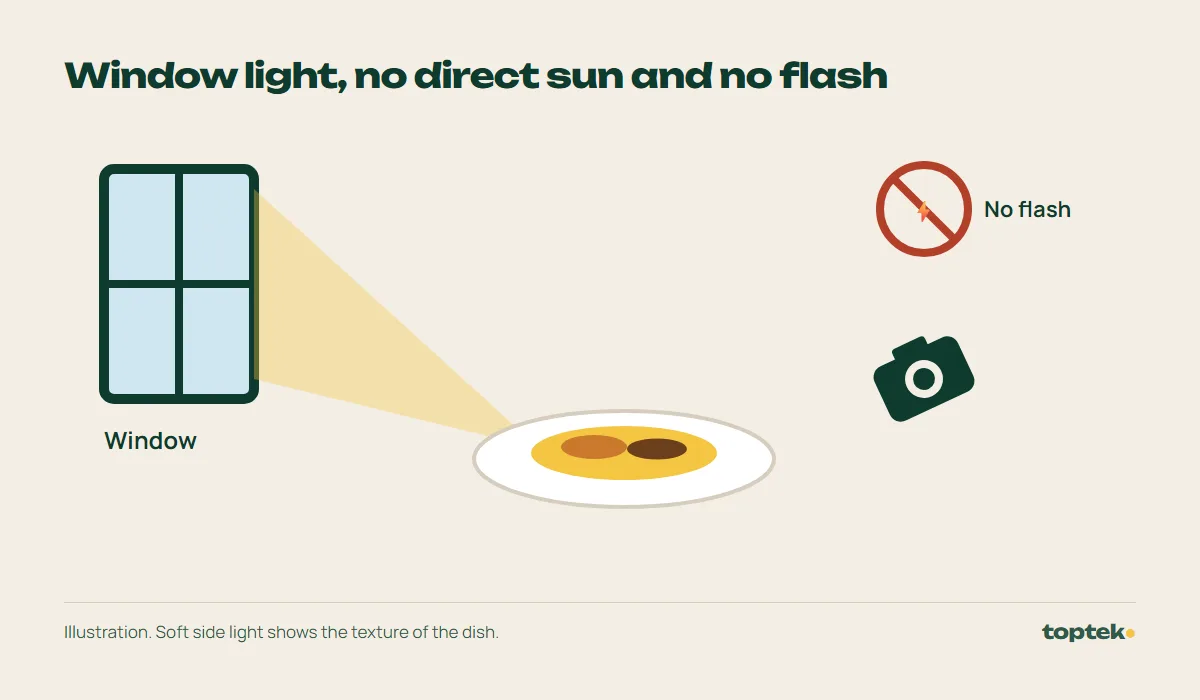
- Place the dish near a window with indirect sunlight.
- If the light is harsh, diffuse it with a thin curtain or a white sheet of paper.
- Avoid the phone flash; it creates hard shadows and unrealistic colors.
2. Choose the right angle
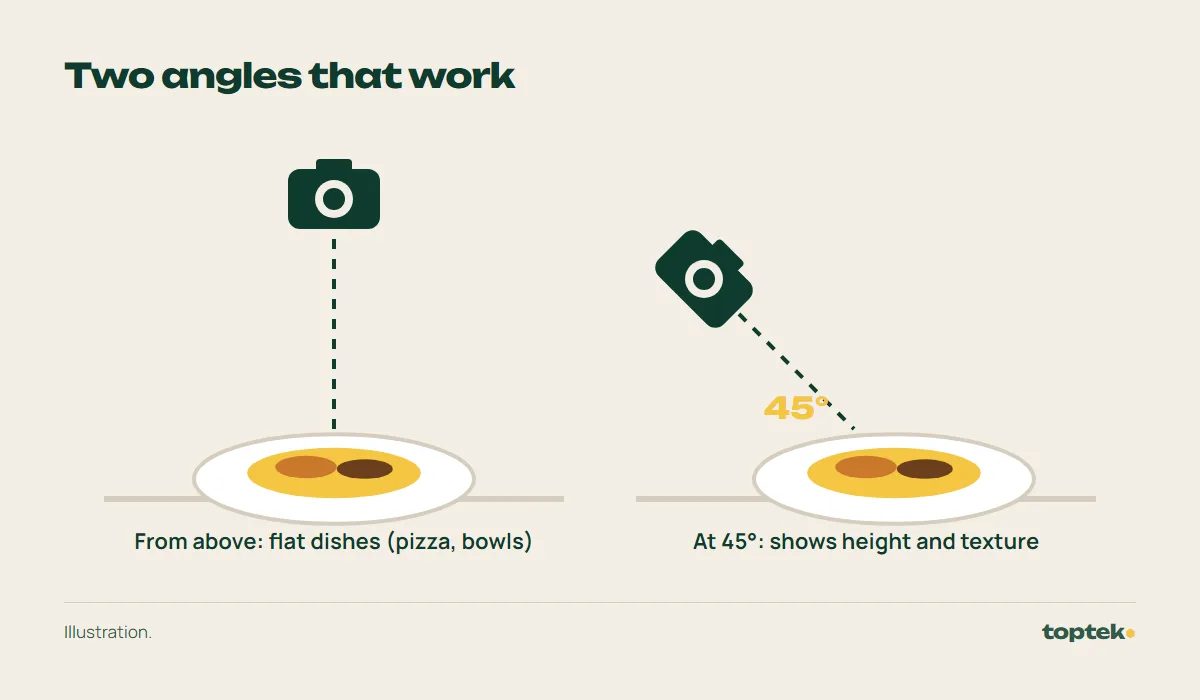
- A 45-degree view (the corner of the plate) shows both surface and height.
- For layered dishes like lasagna, a near-top-down angle reveals every layer.
- Take two or three shots before deciding which one best conveys texture.
3. Mind the background and props
- Use neutral backdrops: a light wood board, a solid-color napkin, or a marble slab.
- Add a story element: a fork, a sprig of cilantro or fresh herbs, the drink that goes with the dish.
- Keep the area tidy; clutter pulls attention away from the food.
4. Edit simply
- Most smartphones have a quick-adjust tool. Raise brightness and saturation just enough to make colors pop.
- Correct the white balance if the image looks too yellow or blue.
- Crop to remove empty space and center the plate.
5. Keep visual consistency
- Define a style – warm tones, white background, wood surface – and use it for every photo.
- Consistency builds a visual identity that diners recognize instantly.
Example: a casado at a soda
Imagine a typical soda (a small local eatery) in San José that serves casados for lunch. The plate has rice, beans, a fried egg and sweet plantain. The Instagram post shows the dish under the restaurant’s yellow lighting, with the phone pointed straight down. The result is a flat image; the rice and beans appear gray, and the egg looks dull. A potential guest sees the photo, feels uncertain, and chooses another place.
If the same plate is placed on a light wood board, lit by natural window light, and photographed from a 45-degree angle, the rice shines, the yolk glows yellow, and the plantain looks golden. A quick boost in brightness and contrast turns the picture from easy to ignore into one that makes people want to order the dish.
In our work you can see real digital menus we made for restaurants.
How we do it at Top Tek
Our team plans with you which dishes to photograph and when the light is best, sets up at your business and edits every image so it is ready for social media, your website or your digital menu. If you also want to know which posts bring in more customers, we combine it with our digital marketing service, which includes a monthly report.
Write to us and we will reply in writing, with no meetings: a free diagnosis if you are interested in a monthly plan of 3 months or more, or a one-time quote if what you need is a website, a digital menu or drone footage.